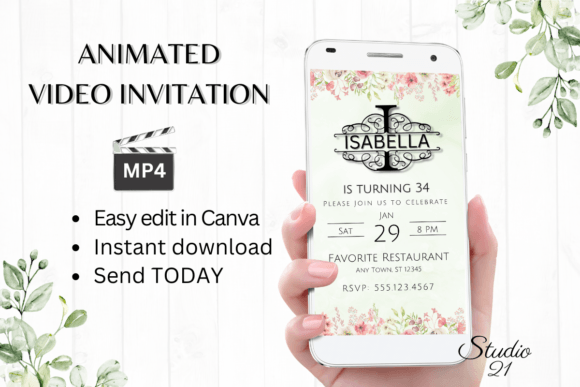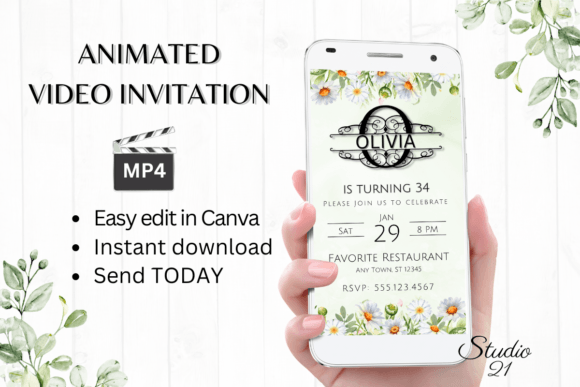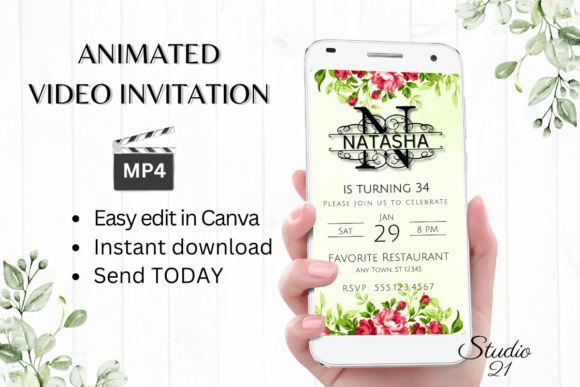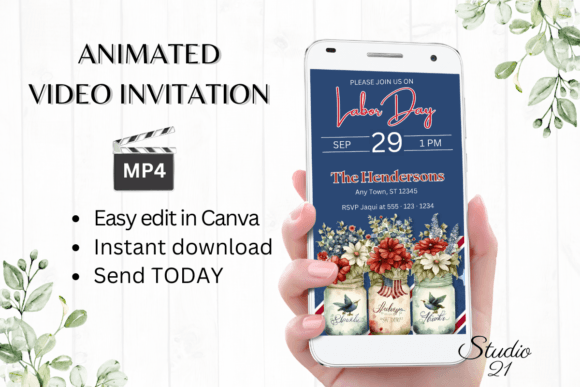
Instant Labor Day Invitation: Editable Digital Evite Template
When planning a late-summer gathering, the logistics of invites can often feel like a chore before the party even starts. You want something that captures the vibe of the holiday—whether it’s a backyard BBQ, a pool party, or a simple get-together with friends—but the thought of waiting for a designer to send proofs or struggling with complex software is exhausting. This is exactly why we built this Labor Day Invitation template. It bridges the gap between professional design and immediate convenience, offering a polished, animated video invitation that you can create, edit, and send to your guest list in a matter of minutes.
The Power of the Animated Digital Evite
Static paper invites have their place, but in the age of smartphones and instant messaging, a digital animated video invitation creates a much stronger impact. Motion catches the eye in a crowded inbox or text thread. This specific template is designed with a modern aesthetic that balances festive energy with clean legibility. The visual style leans into a contemporary look—think crisp lines, balanced negative space, and a color palette that can be easily tweaked to match your specific event theme. It isn’t just about text on a screen; it’s about creating a moment of engagement. The animation is subtle enough to remain professional but dynamic enough to signal that this is an event worth attending.
For those of us who work in branding or marketing, we know that the invitation is the first touchpoint of the event experience. It sets the tone. If you are a small business owner hosting a customer appreciation sale or a content creator organizing a meetup, the quality of this invitation reflects your brand’s identity. A glitchy or poorly designed invite can undermine your credibility, whereas a smooth, high-quality MP4 file suggests competence and attention to detail. This template acts as a valuable design asset, ensuring that your visual hierarchy is spot-on, guiding the recipient’s eye from the headline down to the RSVP details without confusion.
Seamless Editing in Canva: No Barriers to Entry
One of the biggest hurdles in creative projects is the software barrier. You shouldn’t need a degree in graphic design or expensive software licenses to send a party invite. This Labor Day Invitation template is built entirely within Canva, a platform many of us already use and trust. The moment you download the file, you get immediate access to the template link. There is no waiting for a designer to send you a proof, and absolutely no need to download specialized fonts or install heavy programs on your computer.
The editing process is intuitive. Whether you are on a desktop or making quick adjustments via the mobile app, the user experience is designed to be frictionless. You have complete control over the typography. If the default font pairing doesn’t quite match your brand standards, you can change the font style, size, and color with a few clicks. This flexibility is crucial for entrepreneurs and marketers who need to maintain brand consistency. You can adjust the text effects to add emphasis where needed or change the animation styles to better fit the energy of your event. It’s about giving you the tools of a professional designer without the steep learning curve or the hourly rate.
Furthermore, the template structure respects the principles of modern typography. The layout ensures that your message remains the hero. Even if you decide to add or delete text blocks, the design adapts, maintaining a visual balance that keeps the invitation looking sharp. It’s a practical solution for bloggers, hobbyists, and event planners who need to move fast but refuse to compromise on quality.
Distribution and Versatility: Sharing Your Event
Once your design is finalized, getting it into the hands of your guests is just as easy as the creation process. The platform allows you to download your personalized digital evite as an MP4 file. This file format is universally compatible, meaning you can share it almost anywhere. It works perfectly for text messages, iMessage, WhatsApp, Facebook Messenger, and other social media services. If you prefer a more formal approach, you can also grab a shareable link to embed in an email newsletter or send directly to specific contacts.
This versatility makes the Labor Day Invitation template suitable for a wide range of applications beyond just a private party. Consider the needs of a publisher or a community manager. You might be hosting a virtual workshop, a webinar, or a live stream event. The animated nature of the invitation helps you stand out in social media feeds, increasing click-through rates and engagement. For graphic designers, this is an excellent commercial font and template solution to offer clients who are in a rush. Instead of starting a project from scratch, you can provide a customized, high-quality deliverable in record time.
Practical Considerations for a Polished Result
While the tool is user-friendly, a few design best practices will help you get the most out of your Labor Day Invitation. First, pay attention to readability. When changing fonts, ensure that your chosen typeface is legible against the background, especially on mobile devices where the video will likely be viewed. A display font might look great for the headline, but ensure the details (time, location, address) use a clean sans serif or serif font for easy scanning.
Second, consider the color psychology. While the template comes with a default palette, adjusting the colors to match your specific theme can elevate the brand perception. If you are hosting a corporate event, stick to brand colors. If it’s a casual backyard hangout, feel free to experiment with vibrant, seasonal hues. The ability to tweak these elements ensures that the final product feels personal and intentional, rather than generic.
Finally, remember that this is a digital download. You retain the ability to edit the template at any time. If details change—like the venue or the time—you don’t need to scrap the design. Simply hop back into Canva, make the adjustment, and re-export the MP4. It’s a sustainable, efficient approach to event planning that saves time, money, and stress. Whether you are a seasoned creative professional or someone just looking to send a fun invite to friends, this solution adapts to your workflow.