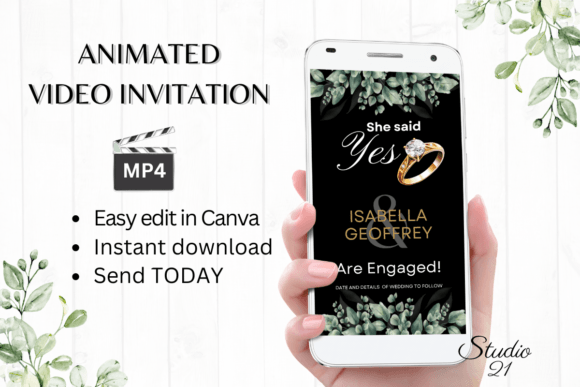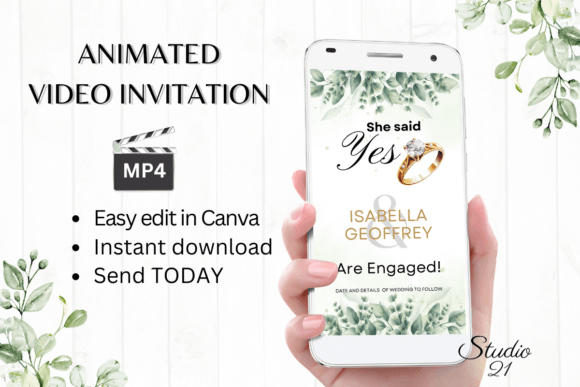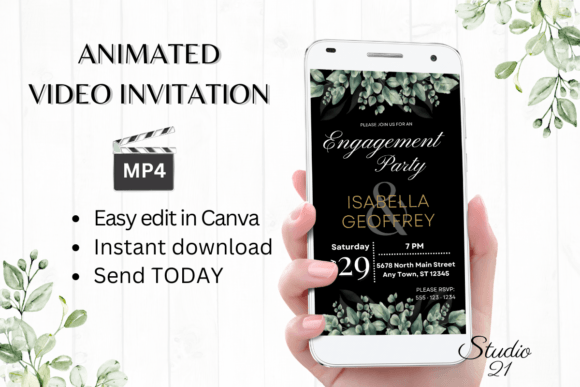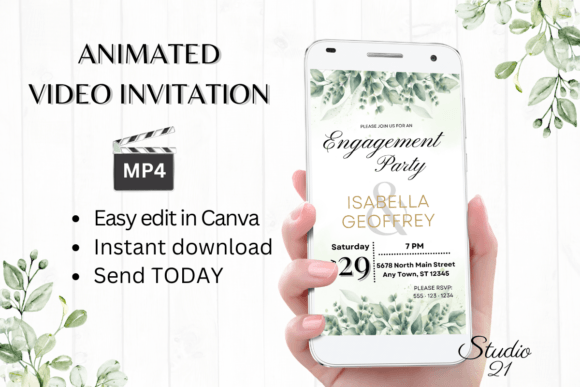
Classic Engagement Announcement W1406B: A Digital Invitation Template
Immediate, Editable Elegance for Your Big News
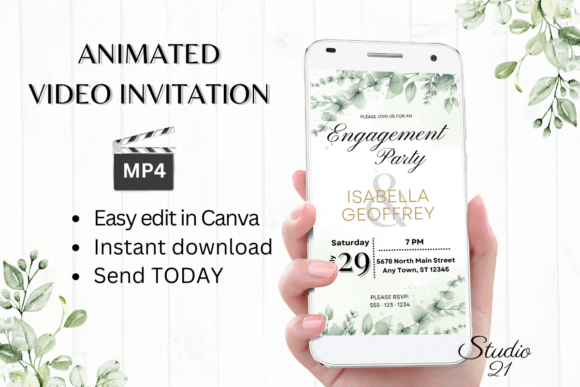
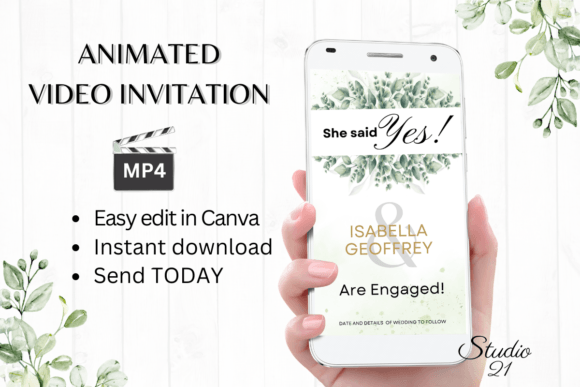
The moment you decide to share your engagement news is special, and how you share it sets the tone. The Classic Engagement Announcement W1406B is a digital animated video invitation template designed for that very purpose. It’s not a static image or a basic e-card. This is a fully animated, polished MP4 file you can personalize and send within minutes. The core appeal here is speed without sacrificing style. You get immediate access to a professionally designed template in Canva, meaning there’s no software to install, no fonts to download, and no waiting for a designer to send proofs. You control the entire process, from your computer or even making basic edits on your mobile device.
Visually, the template leans into a "classic" aesthetic. Think clean lines, elegant typography, and subtle, tasteful animations. It’s designed to feel timeless rather than trendy, ensuring your announcement feels sophisticated and memorable. The style avoids being overly ornate or playful, striking a balance that appeals to a wide range of personal tastes. Its personality is one of confident joy—celebratory without being loud, personal without being overly casual. This makes it a versatile design asset for anyone who values a polished presentation for their life milestones.
Where This Template Excels: Beyond Simple Announcements
While its primary function is clear, the utility of the Classic Engagement Announcement W1406B extends into several practical scenarios. Its digital-first nature makes it perfect for modern communication. Once you download your personalized MP4, sharing is seamless. You can text it directly, send it via Messenger, iMessage, or WhatsApp, or use the provided Canva link to forward it through email. This flexibility is crucial for reaching friends and family across different platforms and generations.
The template’s clean, professional design also makes it suitable for semi-public announcements. Think about posting your video on social media feeds or stories. The high-resolution 1080x1920 pixel format is optimized for vertical viewing on phones, ensuring it looks crisp and engaging on platforms like Instagram or Facebook. For small business owners or creatives in the wedding industry—planners, photographers, stationers—a template like this could serve as a quick, elegant mock-up or inspiration piece for client presentations, demonstrating the potential of digital invitations.
Practical Guidance: Making the Template Work for You
Getting the most out of this template involves a few straightforward steps. First, access is key. You’ll receive a PDF containing a direct link to the Canva template and a user guide. Canva’s interface is intuitive, but the guide helps you navigate specific edits quickly. The editing options are robust for a digital product: you can personalize all text, change font styles, colors, and sizes, adjust text effects, and even modify the animation styles within Canva’s capabilities. This level of control allows you to align the announcement with your personal or brand identity if you’re a business owner sharing company news.
When personalizing, consider the font pairing and visual hierarchy. The template likely uses a combination of serif and sans serif fonts to create contrast and guide the viewer’s eye. You might have a elegant script font or handwritten font for your names, paired with a clean sans serif for details like the date. Changing these is simple, but test readability at a small size. A highly decorative script might look beautiful but could be hard to read quickly on a phone screen. Stick to one or two font changes to maintain the template’s cohesive modern typography.
Color is another powerful lever. The template’s default palette is likely neutral and classic, but you can shift it to match your wedding colors or personal preference. Use the eyedropper tool in Canva to pull colors from a photo or a specific hex code. Be mindful of contrast—light text on a light background will disappear, especially in video. Finally, when you’re satisfied, use the “Download” function and select MP4. This file is your final, shareable product. Remember, you can always revisit the Canva link to make changes later; the template remains editable indefinitely, which is a significant advantage over a one-time proof from a designer.
This premium font and animation template package represents a practical solution in the realm of digital design assets. It bridges the gap between hiring a custom designer and using a generic, static e-card. For individuals and small business owners alike, it offers a professional, efficient, and deeply personal way to share life’s joyful announcements. The value lies in the combination of quality design, user-friendly editing, and instant delivery—getting your beautiful news out into the world without delay.